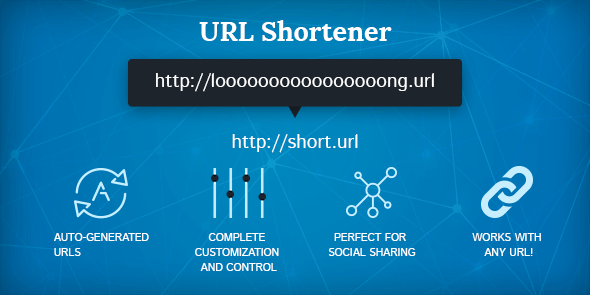
Long, complex URLs can be difficult to share and look unprofessional. A URL shortener transforms a long link into a concise, manageable address while preserving its destination.
How Does a URL Shortener Work?
When you submit a long URL, the URL shortener generates a compact redirect link that points to the original destination. Visitors using the short link are redirected seamlessly to the full URL.
Benefits of Using NeuralNexus URL Shortener
Cleaner Links
Shorter URLs are easier to communicate and look better in marketing materials.
Better Sharing
Use compact URLs in social posts, emails, and mobile messages with confidence.
Use Cases
| Scenario | Benefits |
|---|---|
| Social Media | Short links fit better in captions and tweets. |
| Email Campaigns | Track clicks while keeping your newsletter clean. |
| Printed Material | Reduce the chance of transcription errors on flyers and business cards. |
How to Use NeuralNexus URL Shortener
- Open the URL Shortener tool.
- Paste the original link into the input field.
- Click the shorten button to generate the compact URL.
- Copy the new link and share it wherever you need it.
Security and Trust
Link shorteners can sometimes hide the destination URL. It is important to use trustworthy services and to share links with context so recipients understand where they will land.
Conclusion
NeuralNexus URL Shortener helps you turn lengthy web addresses into concise, shareable links. Use it to keep your content friendly and easier to manage without losing the original destination.
Great short links are simple, readable, and reliable—making them ideal for modern online communication.